What happened to that token? Look up any contract's full record
You bought something in June. It is October, the chart on most sites is a flat line, the Telegram group is gone, and all you remember is that someone called it a sure thing. This lesson shows where PumpPill keeps the record of what a token did after we first saw it, how to read that page, what the dead mark does and does not mean, and how to ask the same question from an AI assistant.
Where the record is
Paste the contract address into /scan, or open pumppill.org/token/<address> directly. Every token PumpPill has logged keeps its page. Pages used to drop off after two days unless the token had doubled; now they stay, because a 404 is the one answer that helps nobody.
The page opens with the token and a Buy button, then one market row, then the two questions every read answers, then the sections of the scan.
The market row
Six cells, each a fact with its context:
- Market cap, with the share of its peak it sits at today.
- Liquidity, with its share of market cap.
- Top 10 hold, pools left out, because pools are not people.
- First logged at: the market cap and time of PumpPill's first sighting. This is the entry everything else is measured from, stored then and never adjusted.
- Since then: the multiple from that first sighting to now, and how far off the peak it sits.
- Logged: how long ago, with the tracker's status word: Trading, Liquidity thinning, or Stopped trading.
The lifecycle
Under the hood the page carries one of four states, and it tells the token's story to match.
Active. First logged within the last two days.
Past winner. Older than two days, reached at least 2x from the first sighting, and not marked dead.
Faded. Older than two days, never doubled, still being looked at.
Dead. The tracker's status is dead, or the market cap sits 90% or more below the peak.
A page in any state other than active reads as a record, not as a pitch. No finished token gets dressed up as an opportunity.
What "dead" means
Dead means the tracker stopped looking. It does not mean the token stopped trading.
On 2 October we found our own call CATE, first logged at $35,200, marked dead on 5 August at $16.7M. Fifty-eight days later it was trading at $66M with 91 FOMO app traders in it that day, and the page still said it had stopped trading. The tracker had moved on, and the page repeated the last thing it saw.
The fix is on the page now. "Am I early?" checks for signs of trading today, from FOMO app traders seen in the last day and from the latest price PumpPill fetched. A token with trades today is never called stopped, and a reading that is weeks old says so. If you see a dead mark, read the date beside it before you believe it.
The pattern the record shows
The record is most useful for the token you are about to buy because it looks cheap.
Of the 917 Solana calls that reached 10x and were called thirty or more days ago, 420 were still above entry at our last look, and the median sat at 3.7% of its peak. Even the runners mostly round-trip. A token 90% off its peak is not cheap. It is finished, and the person telling you it is about to bounce is usually the person who needs an exit.
Reading the "Since then" cell takes five seconds. It is on the page before you buy.
Three ways to use it
Before you buy anything someone shows you. Paste the address. If the page shows a token 90% off its peak with a dead mark from last month, you have learned what you needed and it cost you a paste.
Before you believe a track record. When someone posts a winning call, look up what the token did after the screenshot. The page shows the peak and today side by side, so a 40x that round-tripped to below entry reads as exactly that.
On the tokens you hold. Read the drawdown. The record will not tell you to sell; it will tell you where you are.
Asking an AI assistant
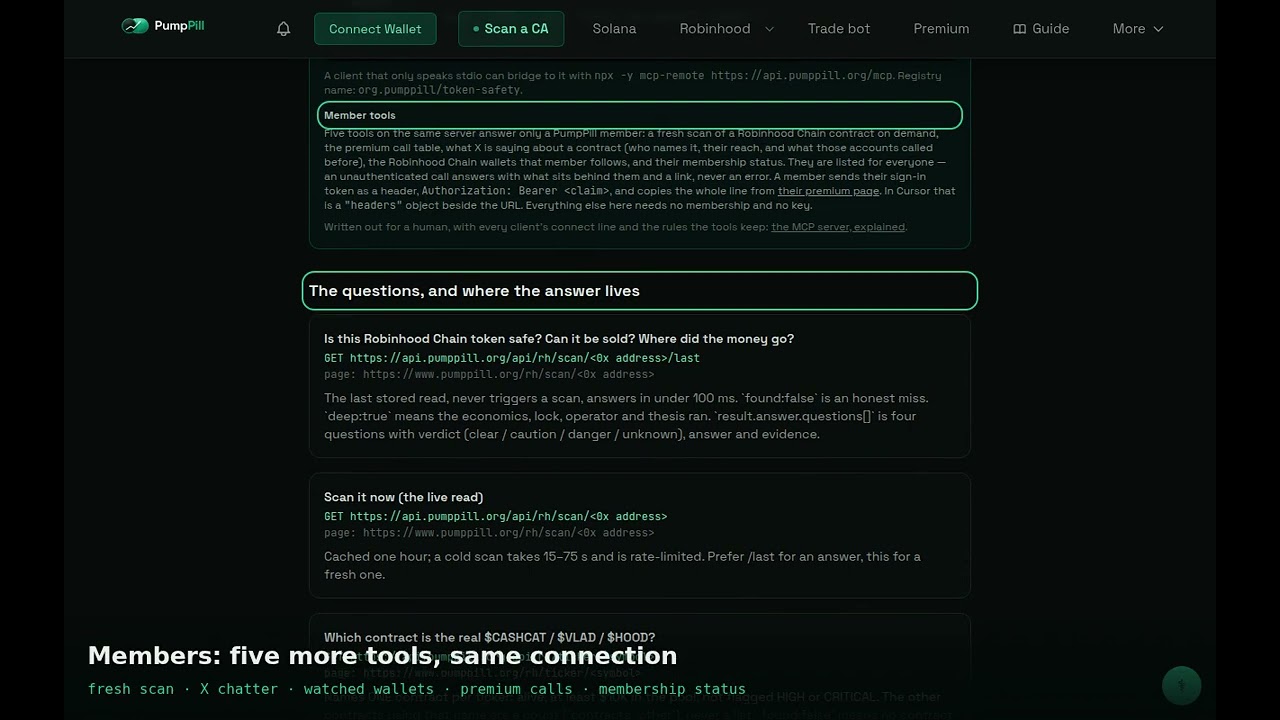
The same record answers through PumpPill's MCP server at https://api.pumppill.org/mcp, which needs no key or account. Added to Claude, Cursor or ChatGPT, the tool sol_token_detail returns the Solana read for a contract: holders, the bundled-launch read, what the deployer still holds, and a one-sentence verdict, each with a citation and the time the read was taken. A found: false answer means the contract is not in PumpPill's index; the address is queued for reading and the answer says to ask again in a few minutes. Not found is not safe.
What this does not tell you
The page is a record of what already happened. A token that held its value has not collapsed yet, which is different from will not.
PumpPill logs the tokens that reach it through its sources and through pasted addresses. A contract with no page is a contract nothing we watch picked up, and that absence is information, not a clean bill. For a contract we have never seen, the page tries an outside read; if there is none, it says not found.
A peak is the highest market-cap reading we recorded, taken every few minutes. It is not a fill. Nobody sold the top, and a thin pool could not have paid it.
The multiple in "Since then" starts from our first sighting, which is often minutes after the first public mention. Your entry was yours.
What to do next
Open /scan and paste the last contract you lost money on. Read the market row, then the date on the status word. Then paste the one you are about to buy and read the same two things first.
What the video says the full transcript, for reading or searching
The lesson is the method. The product is where you apply it.